
Use the expected aspect ratio
A 1280 × 720 canvas uses the 16:9 ratio associated with YouTube video previews, so the image begins with a familiar widescreen proportion.
Thumbnail dimensions
A 1280 × 720 image at a 16:9 aspect ratio is the standard starting size for a YouTube thumbnail.
Use the standard 1280 × 720 starting size and check the finished image at small preview sizes. This guide explains layout decisions; it does not create or upload a thumbnail.
Step 1
Create the source image at 1280 × 720 pixels. This keeps the thumbnail in the widescreen 16:9 ratio used by YouTube video previews.
Step 2
Place faces, product details, and short text well inside the frame so they remain recognizable in smaller placements.
Step 3
Use a high-quality image export and check the result at a small size. Fine text that looks clear on a large canvas can become unreadable in search results.
Before you begin
A thumbnail is often seen before the title is read. A simple composition, legible subject, and clear crop are more useful than detail that only works on a large artboard.
A 1280 × 720 canvas uses the 16:9 ratio associated with YouTube video previews, so the image begins with a familiar widescreen proportion.
Keep faces, products, diagrams, and short text away from the edge so that a viewer can still recognise the main idea in a small feed placement.
One visual subject and a short supporting phrase are easier to understand than several unrelated objects, effects, and long lines of text.
Zooming out reveals whether the subject, contrast, and text remain clear. A large design file can hide readability problems that appear in a small preview.
Workflow
Begin with a 16:9 canvas so the composition is planned for a widescreen video preview rather than cropped from a square or portrait source at the end.
Decide what should be recognised first: a person, object, outcome, comparison, or question. Build the composition so that this idea remains dominant.
Use a short phrase when it improves the image. Check contrast and letter size at a reduced scale instead of judging it only while zoomed in.
Open the exported image at a small size and compare it with the title. Adjust crop, contrast, or wording if the visual promise does not match the video.
In depth
A 1280 × 720 pixel image at a 16:9 aspect ratio is a practical starting point for a YouTube thumbnail. The dimensions give you a reliable frame, but clarity comes from deciding what a viewer should understand first. This page is designed to help with one focused task, so the most useful outcome comes from giving the tool a clear input and then applying judgement to what it returns.
A 1280 × 720 pixel image at a 16:9 aspect ratio is a practical starting point for a YouTube thumbnail. The dimensions give you a reliable frame, but clarity comes from deciding what a viewer should understand first. A focused workflow is more useful than trying to solve every creator task in one pass. It gives you a clear point to start from, a visible result to inspect, and a practical reason to decide what to do next. That is especially helpful when the video, channel, or audience context contains details that a short prompt or URL cannot fully express.
Treat the result as working material for the next decision, not as a substitute for knowing your own video or audience. Keep the original source nearby, compare the output with what you can see on YouTube, and make the final edit yourself. This keeps the process understandable and makes it easier to notice when an input is incomplete, too broad, or aimed at the wrong task.
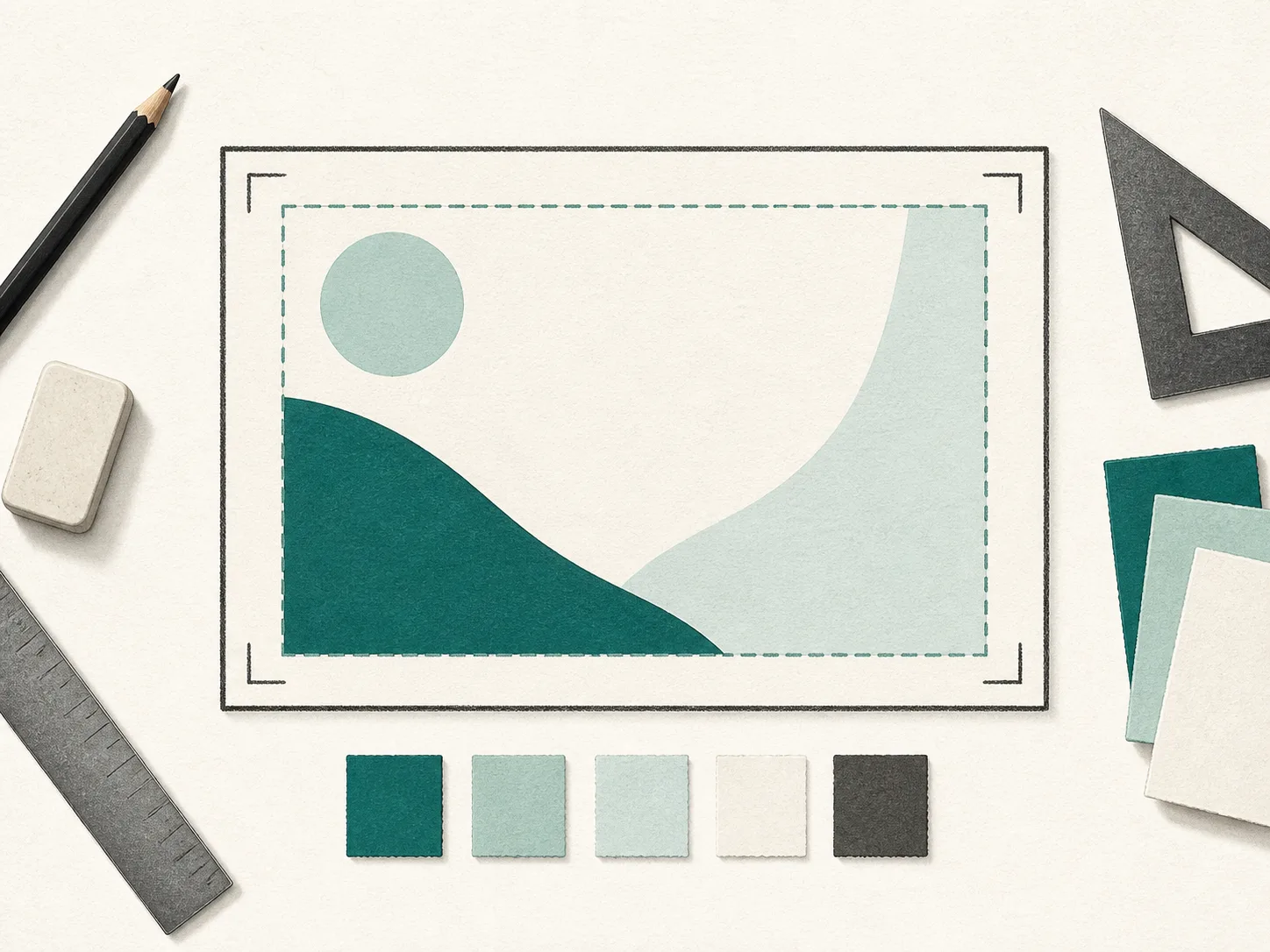
Start with the video’s main subject and outcome. A cooking video might show the finished dish, while a repair tutorial might show the problem and result. Choose one visual relationship before adding text or accents. Small details change the quality of a practical result: a precise URL instead of a search result page, a concrete topic instead of a single broad word, or a stated viewing context instead of an unstated assumption. Before pressing the main action, check that the input represents the exact item you mean to work with.
It also helps to decide what a useful result should answer before you begin. For example, you may want a link that opens at one moment, a compact list of public matches, or several draft ideas to compare. When the desired output is clear, you can reject irrelevant results quickly instead of adapting them after the fact.
The thumbnail should accurately signal the video, not invent a result that never appears. Compare it with the title and opening moments so that the viewer receives a consistent expectation after clicking. Read the output in the context in which it will be used. A title, description, tag, or hashtag should still sound like the video it represents. A public lookup should still be checked against the destination it links to. A calculated figure should remain tied to the values you chose. The tool can make the first pass faster, but it cannot make an editorial or business decision for you.
A good review is short and deliberate. Remove anything that is inaccurate, too vague, duplicated, or inconsistent with the video. Prefer specific language over inflated promises, and do not keep an option simply because it was generated or returned by a search. The final version should be something you can stand behind when a viewer opens the page, video, or link.
The page provides a design reference and does not inspect an uploaded image, guarantee platform acceptance, create visual assets, or measure click-through performance. Keeping that boundary visible prevents the page from promising data or actions it does not perform. It also makes the workflow easier to repeat: use the tool for its narrow job, preserve the source context, and move to the next relevant tool only when it helps complete a real creator task.
If the result is not what you expected, start by improving the input rather than assuming there is a hidden setting. Use a more specific query, a canonical YouTube URL, a clearer description of the video, or a realistic assumption. A narrow, transparent workflow is usually faster to correct than a broad one with ambiguous results.
FAQ
Start with 1280 × 720 pixels, which is a 16:9 widescreen canvas suitable for planning a YouTube thumbnail.
Usually no. Use a short phrase only when it improves understanding. The image should remain readable when a viewer sees it at a small size.
View the exported image at a reduced size and ask whether the main subject and message are still obvious without reading fine detail.
No. It is a guide to dimensions and composition. Create and upload images through the tools and workflow you normally use.